
Renew Your U.S. Passport Online, Who Qualifies and How
The State Department now lets eligible U.S. citizens renew their passport fully online through a MyTravelGov account no mailing forms. Here's who qualifies and the exact steps.
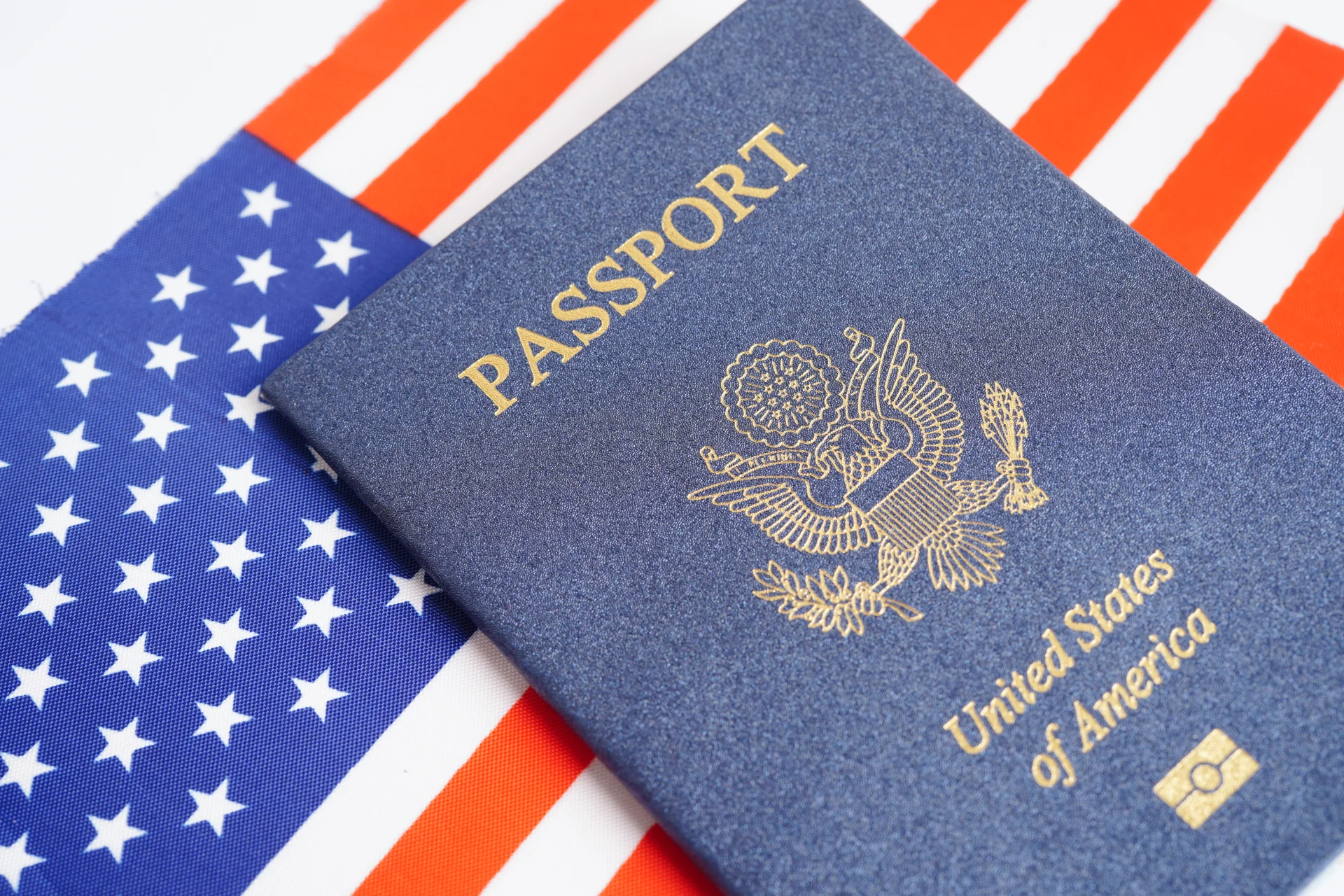
The U.S. Department of State now offers fully online passport renewal through a MyTravelGov account — no printing forms or mailing your old passport separately. If you qualify, you complete the application, upload your photo, and pay the fee from your computer.
Who can renew online
You can renew online only if all of these are true. You:
- Are a U.S. citizen renewing an adult 10-year passport book (not a first-time applicant, not a passport card only).
- Have a passport that was issued when you were age 25 or older.
- Have a passport issued within the last 15 years.
- Are not changing your name, gender marker, date of birth, or place of birth.
- Have your passport in your possession — it is not lost, stolen, or badly damaged.
- Have a residential address in the 50 U.S. states or Washington, D.C. (no APO/FPO/DPO or foreign addresses).
- Are not traveling internationally soon — online renewal has no expedited option, so don't use it if you have urgent travel.
If any of these don't apply, you'll need to renew by mail (Form DS-82) or in person.
How it works
- Create or sign in to your MyTravelGov account and verify your identity.
- Start a passport renewal application and confirm your eligibility.
- Enter your details and upload a digital passport photo that meets the requirements.
- Pay the fee online by credit or debit card.
- Submit and track your status in your account.
Why it matters for your trip
Many countries require your passport to be valid for at least six months beyond your travel dates. Check your expiry early — if you're inside that window, renewing online (when eligible) is the fastest paperwork-free route.
Always confirm current eligibility and requirements on the official page before you start.
Official sources